Home & Office Printer Guide: Inkjet vs Laser & Running Costs
Updated 23/09/2026
Compare inkjet and laser printers for home or office use, considering running costs, connectivity, and specific models available at E CUBE.
Choosing the right printer for your home or office depends largely on your printing volume and the type of documents you handle. Inkjet printers are generally preferred for their ability to produce high-quality color images and photos, making them suitable for creative work or occasional color printing. Laser printers, on the other hand, excel at fast, crisp text output and are often more cost-effective for high-volume black-and-white printing. When evaluating options, consider not just the upfront price but also the long-term running costs associated with ink or toner replacements.
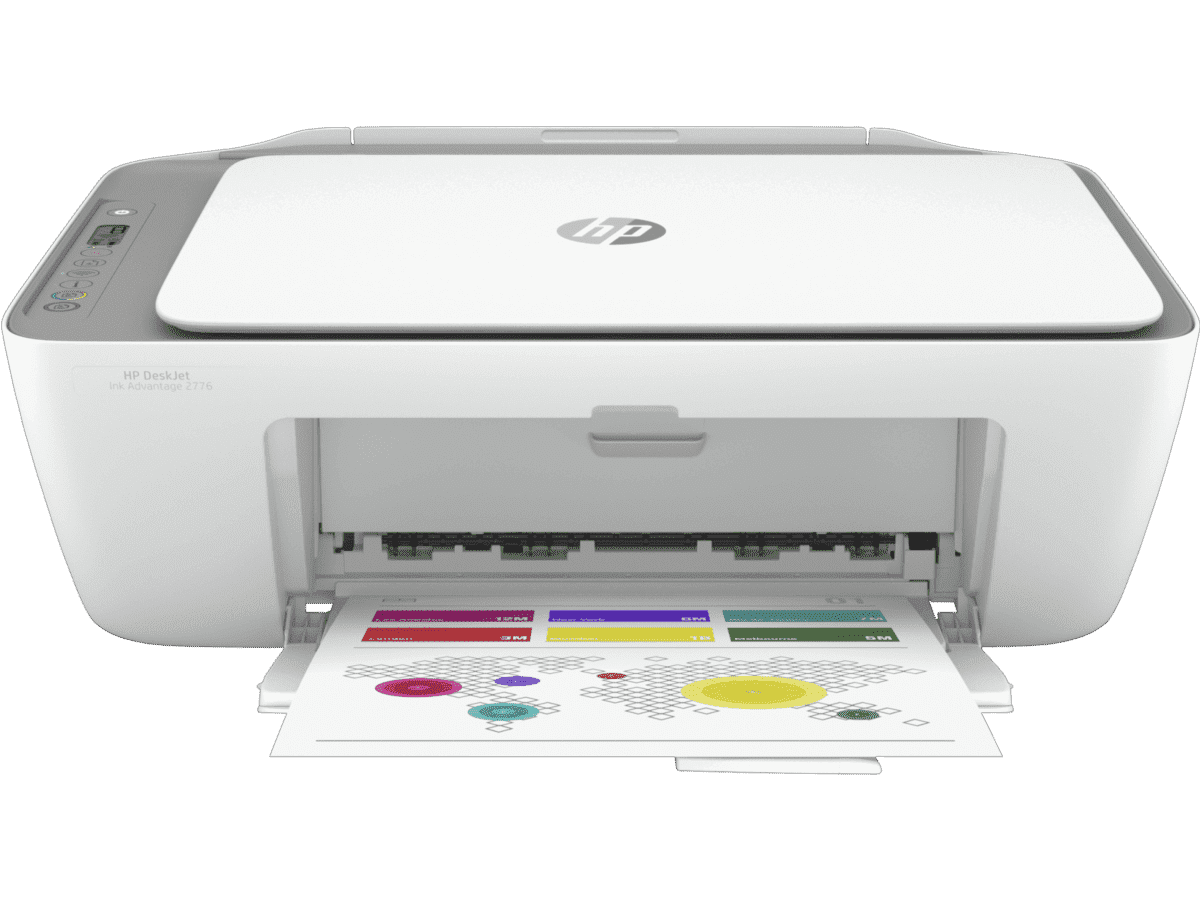
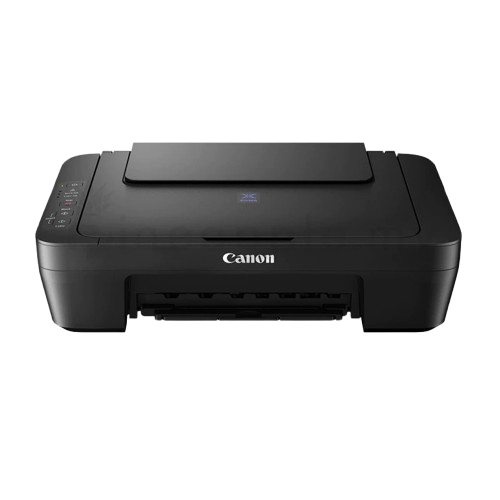
For those seeking a versatile all-in-one solution, the HP DESKJET INK ADVANTAGE 2776 ALL-IN-ONE PRINTER WITH WIRELESS is a practical choice at RM 229.00. This inkjet color printer offers print functions with a resolution of up to 1200 × 1200 dpi, which is typical for this class of device. Its wireless connectivity allows for easy setup in various locations within your home or office, reducing cable clutter. Similarly, the Canon E410 3 IN 1 PIXMA PRINTER - BLACK is available for RM 239.00. This model also provides color printing with up to 1200 × 1200 dpi resolution, offering a reliable option for users who need a compact, multi-function device for everyday tasks.
Running costs are a critical factor in printer ownership. Inkjet printers like the HP and Canon models mentioned may have lower initial purchase prices, but frequent color printing can lead to higher ink consumption. It is advisable to check the manufacturer's specifications for print speed and cartridge yield to estimate ongoing expenses. For users who primarily print text documents, a laser printer might offer better long-term value due to lower cost per page, although specific laser printer models are not detailed in this current selection. Always weigh the frequency of your printing needs against the type of media you use.
Connectivity features also play a significant role in user convenience. Wireless capabilities, as seen in the HP DeskJet model, enable printing from multiple devices without direct USB connections. This is particularly useful in shared office environments or homes with several smartphones and laptops. When selecting a printer, ensure that the connectivity options align with your existing network setup. Additionally, consider the physical size of the printer to ensure it fits comfortably in your designated workspace.
While this guide focuses on printers, it is worth noting that E CUBE also offers complementary accessories such as scanners and label printers. For instance, the PIKDIK D11 PRO MINI LABEL PRINTER - GREEN is available for RM 89.00, providing a specialized solution for labeling tasks. However, for general document printing, the inkjet options from HP and Canon remain solid choices for their balance of functionality and affordability.
Written by our AI, grounded in E CUBE's live catalogue. Prices and stock change — check the product page for the latest.