Choosing the Right Monitor: Size, Resolution, and Panel Type
Updated 25/09/2026
A practical guide to selecting a monitor for work or play, focusing on size, resolution, panel type, and refresh rate options available at E CUBE.
Selecting the right monitor involves balancing screen size, resolution, panel technology, and refresh rate to suit your specific needs. For general office work or web browsing, a 1080p resolution is often sufficient, providing clear text and images without requiring excessive system resources. The physical size of the screen should match your desk space and viewing distance; smaller screens are ideal for compact setups, while larger displays offer more workspace for multitasking. It is also important to consider the panel type, as IPS panels generally offer better color accuracy and viewing angles, whereas VA panels provide higher contrast ratios, making them suitable for media consumption.
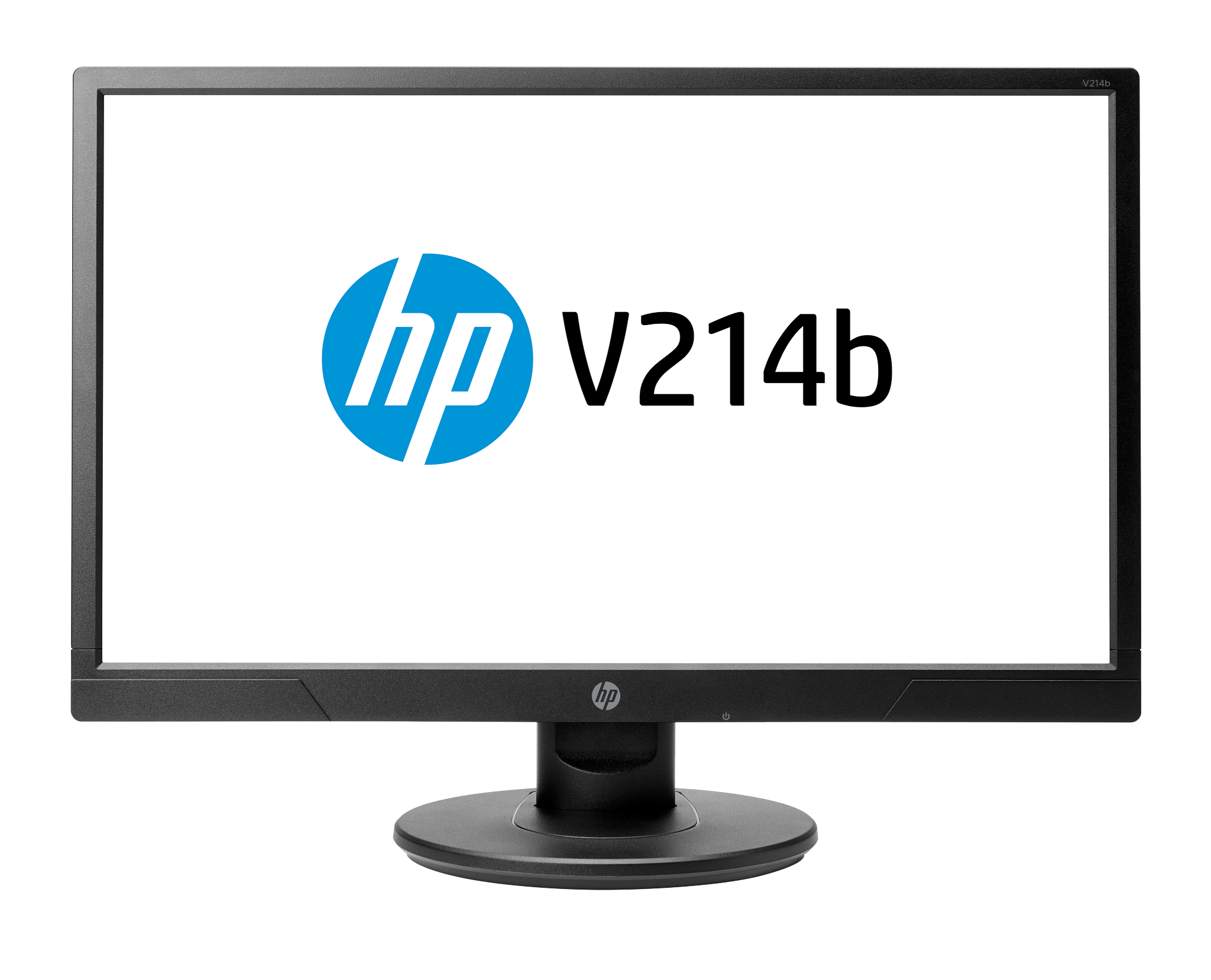
For those on a tight budget, the Used HP V214B 20.7" LCD MONITER - USED is available for RM 149.00. This model offers a 1920 × 1080 resolution and an IPS panel, which is beneficial for color-critical tasks despite its used condition. If you prefer a new unit with a smaller footprint, the DELL 18.5" INCH LED MONITER with HDMI and VGA -D1918H costs RM 239.00. It features a 1920 × 1080 resolution and a 5ms response time, making it a reliable choice for basic computing tasks where desk space is limited.
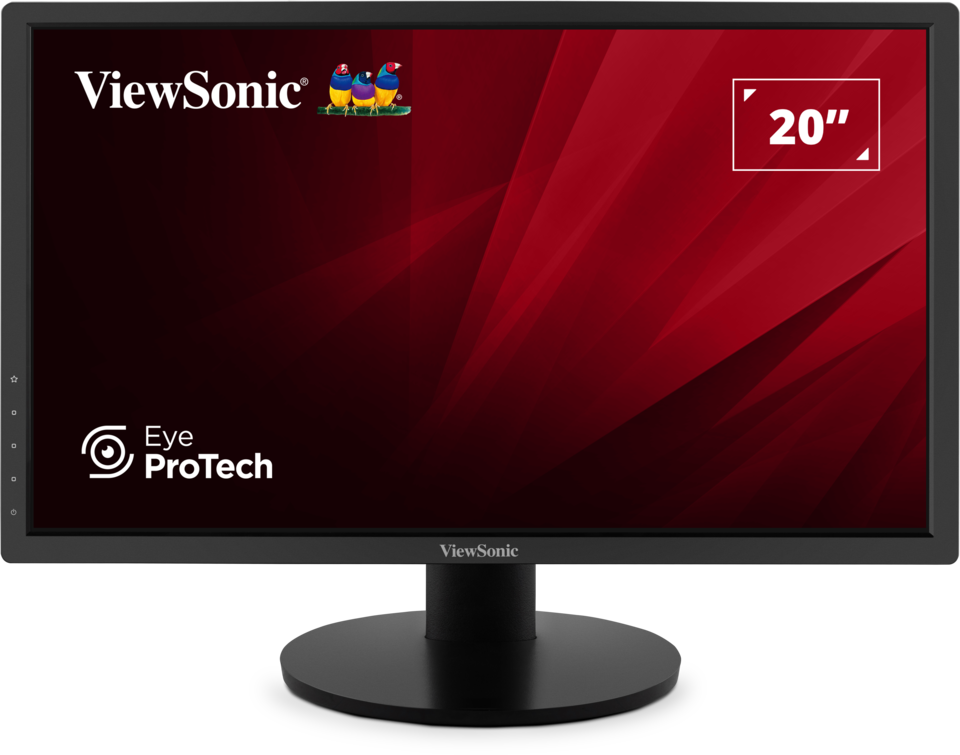
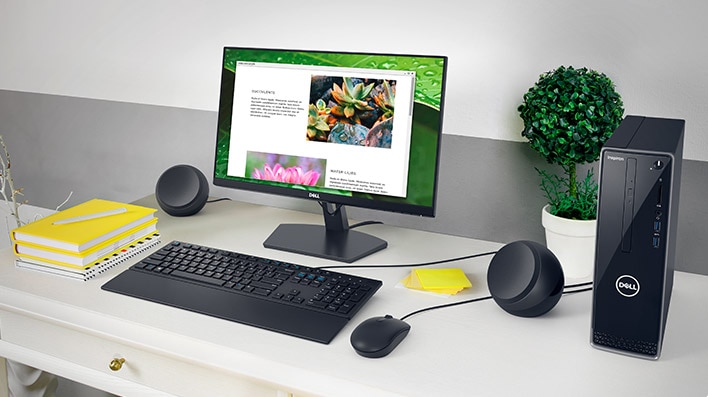
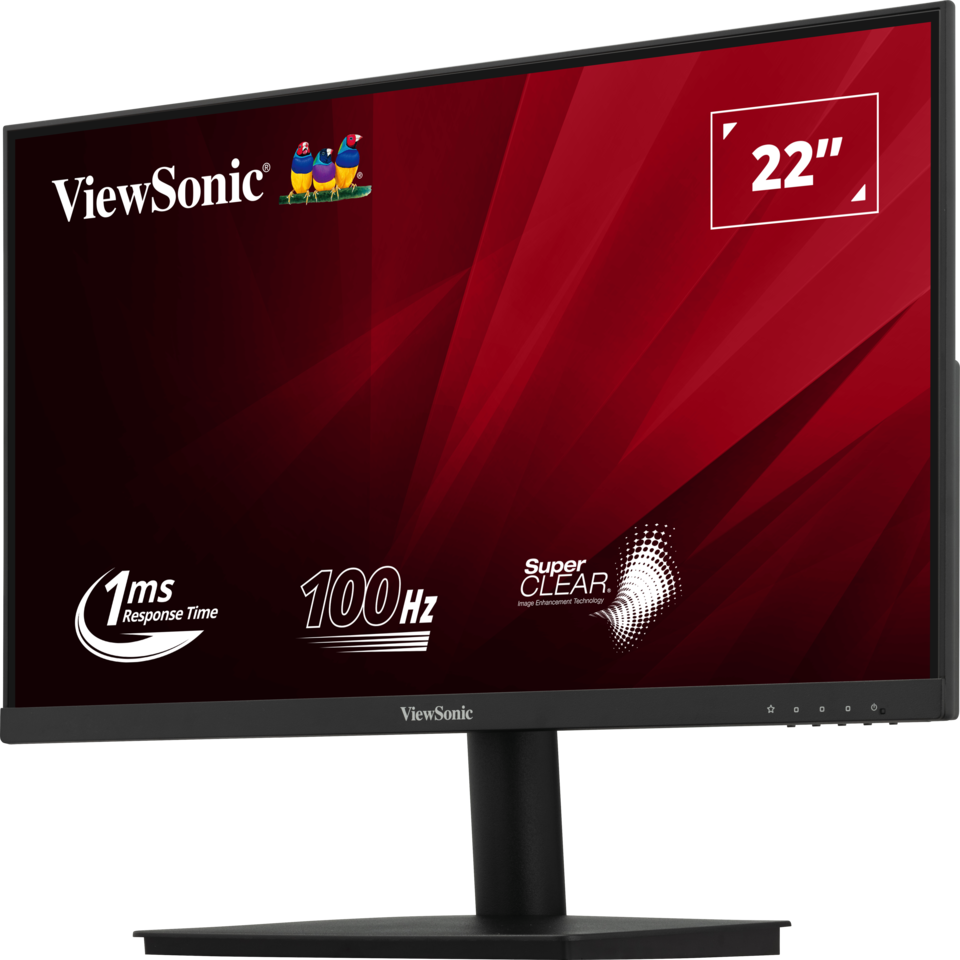
If you require a slightly larger display for better productivity, the VIEWSONIC VA220-H 22" FHD @100Hz MONITOR (HDMI+VGA) is priced at RM 299.00. This monitor stands out with a 100Hz refresh rate, which provides smoother motion compared to standard 60Hz displays, making it a versatile option for both work and casual gaming. Its VA panel ensures deep blacks and good contrast, enhancing the viewing experience for movies and documents alike. Alternatively, the Dell 21.5" INCH LED MONITER SE2219H is also available for RM 299.00, offering a similar size with a standard 60Hz refresh rate, which is perfectly adequate for everyday office applications.
When choosing a monitor, consider whether you prioritize smooth motion for gaming or color accuracy for creative work. Higher refresh rates like 100Hz can reduce motion blur, while IPS panels are preferred for design work. Always check the connectivity options, such as HDMI and VGA, to ensure compatibility with your computer. At E CUBE, we offer a range of monitors from trusted brands like Dell and ViewSonic, ensuring you find a display that fits your budget and technical requirements.
Written by our AI, grounded in E CUBE's live catalogue. Prices and stock change — check the product page for the latest.