Gaming Laptop Buying Guide: GPU, Display & Cooling Tips
Updated 22/09/2026
Learn how to choose a gaming laptop by evaluating GPU power, display quality, and cooling efficiency for smooth gameplay.
Choosing the right gaming laptop requires balancing raw performance with thermal management. The graphics processing unit (GPU) is the most critical component for gaming, as it directly impacts frame rates and visual fidelity. When selecting a machine, look for dedicated NVIDIA or AMD graphics cards that match your budget and the games you intend to play. Higher-tier GPUs allow for smoother gameplay at higher resolutions and settings, while entry-level dedicated cards are suitable for esports titles and less demanding games.
Display quality is equally important for an immersive experience. A good gaming screen should offer high refresh rates to reduce motion blur and accurate color reproduction for vibrant visuals. While many laptops now come with high-resolution panels, ensure the display can keep up with the GPU's output. A mismatch between a powerful GPU and a low-refresh-rate screen can bottleneck your performance. Look for panels that support high refresh rates if you play fast-paced competitive games, as this provides a noticeable advantage in responsiveness.
Cooling systems are often overlooked but are vital for sustained performance. Gaming laptops generate significant heat, and inadequate cooling can lead to thermal throttling, where the system slows down to protect itself. Effective cooling solutions include multiple fans, large heat pipes, and well-designed ventilation. A laptop that maintains lower temperatures under load will deliver more consistent frame rates during long gaming sessions. Always check reviews or specifications regarding thermal design to ensure the chassis can dissipate heat efficiently.
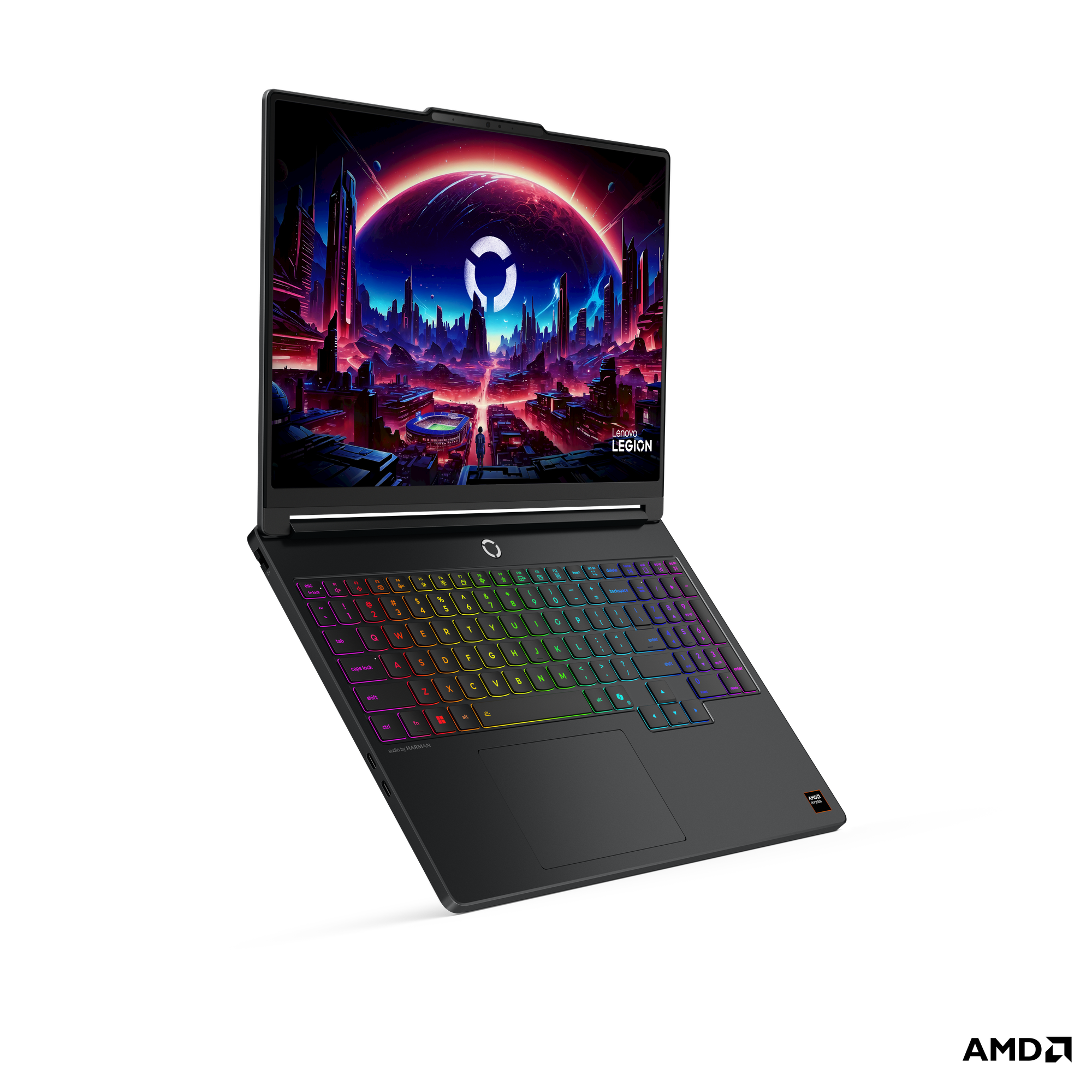
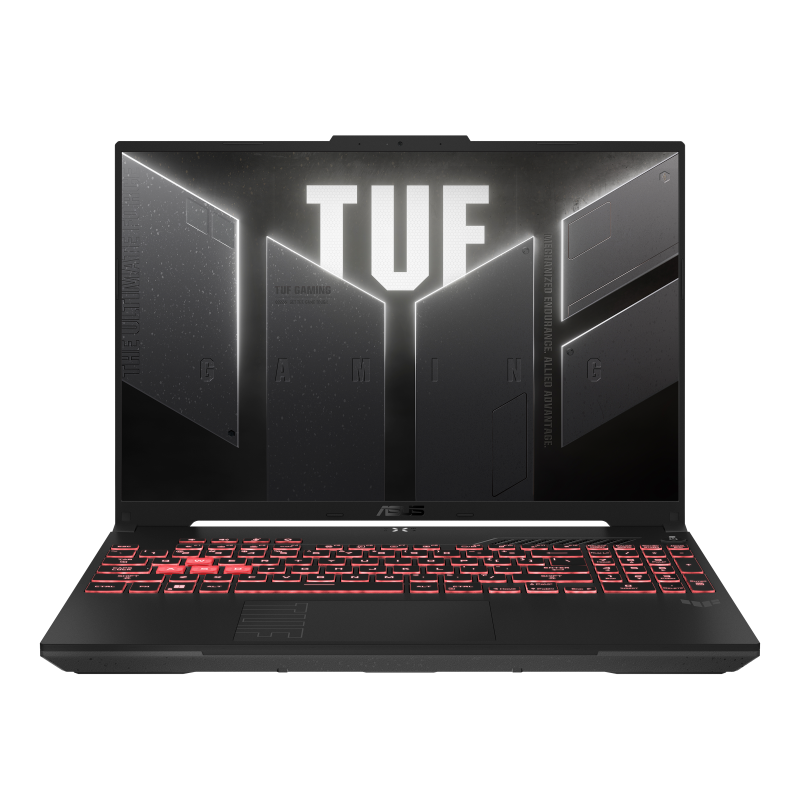
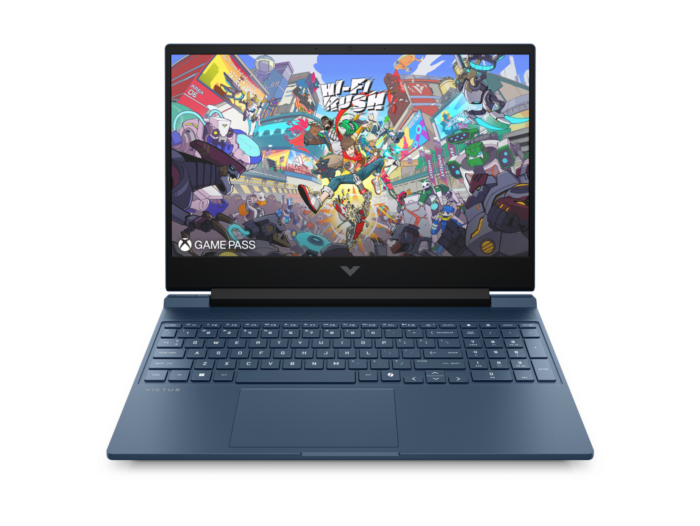
For those seeking high-end performance, the Lenovo Legion 5 15AHP11 Gaming at RM 7999.00 offers a powerful NVIDIA RTX 5070 8GB GDDR7 GPU, paired with an AMD Ryzen 7-250 processor and 16GB of DDR5 memory. This configuration is ideal for demanding AAA titles at high settings. If you are looking for a more budget-friendly option, the ASUS TUF Gaming F16 at RM 5099.00 provides a solid balance with an Intel Core i5-13450HX processor and an NVIDIA GeForce RTX 5050 8GB GPU, suitable for 1080p gaming. Alternatively, the HP Victus 15 Gaming at RM 4099.00 features an NVIDIA RTX 4050, making it an accessible entry point for gamers who prioritize value without sacrificing dedicated graphics performance.
Written by our AI, grounded in E CUBE's live catalogue. Prices and stock change — check the product page for the latest.